
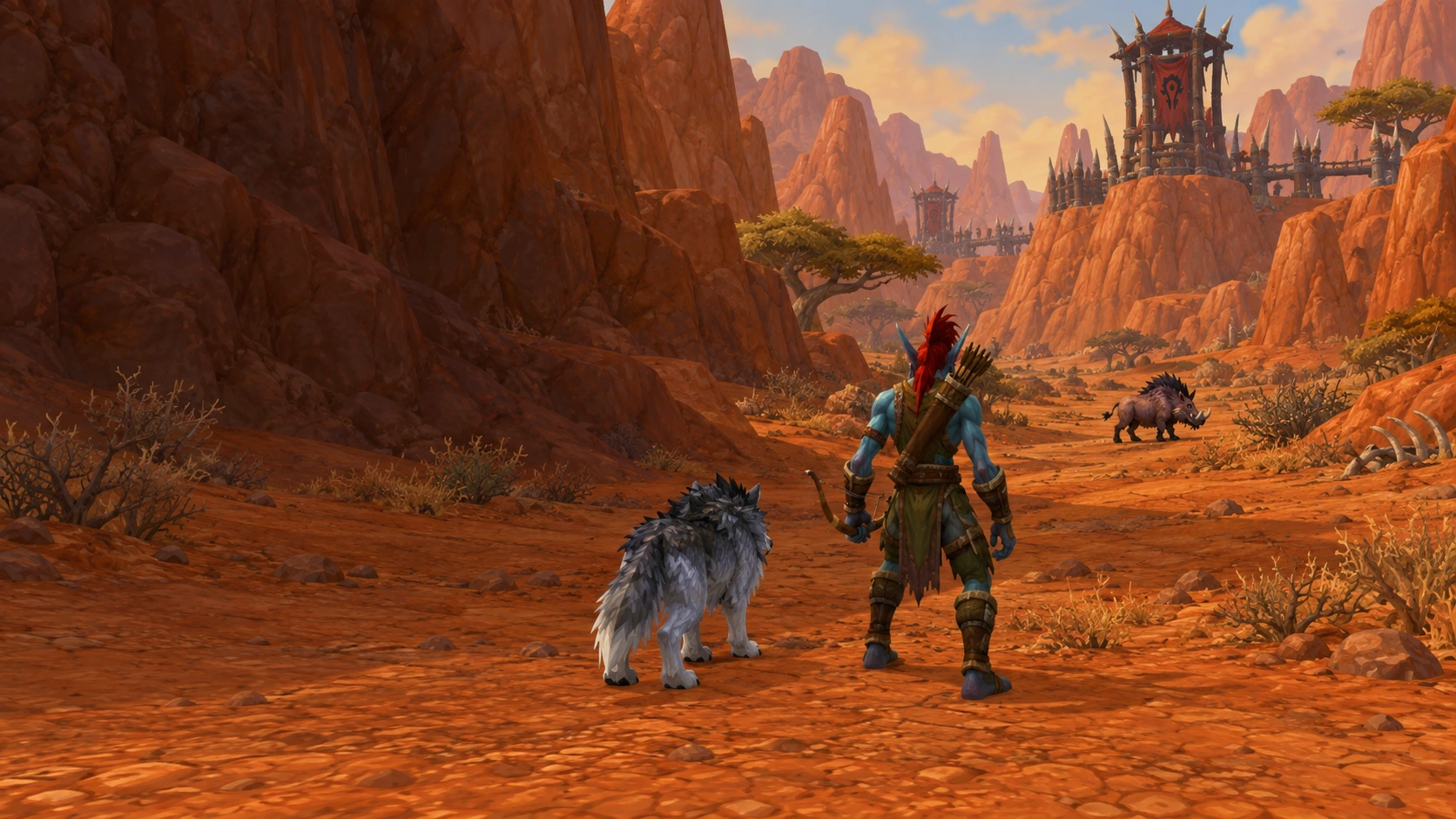
YOUR GAME.
YOUR SETUP.
At your desk. On your handheld. Your rotation and controls, right where you want them.
BUILT AROUND YOUR SETUP.
Mac · Windows · Windows Handhelds
Product status · September 21, 2026Play on Mac, Windows or a Windows handheld. Lazy Raider brings your rotation, controls and character settings together. Public releases are still in preparation; check availability for your game before joining.
At your desk. On your handheld.
Mac, Windows and Windows handhelds share the same rotation foundation. The app handles the setup for your platform, so your priorities stay familiar.
Windows handheld development includes ROG Ally X. This does not mean SteamOS or every handheld configuration is supported.
Only the overlays you want
Keep the compact toggle bar beside your action bars, add the live action list, or hide every overlay. Go completely ghost without changing your rotation.
A setup that feels like yours
Choose your rotation, set up action bars and check permissions from the app. Mac requires Screen Recording and Accessibility; Windows has its own capture and input setup.
General and Class settings stay with each character and realm. Edit your priorities and save to apply them.
Choose your game
Forever is our current testing focus. Retail and TBC Anniversary are being prepared separately. Check availability for each edition.
LESS IN THE WAY.
MORE IN YOUR CONTROL.
Keep only the toggle bar, or hide every overlay. Your screen stays yours.
Get to know the setup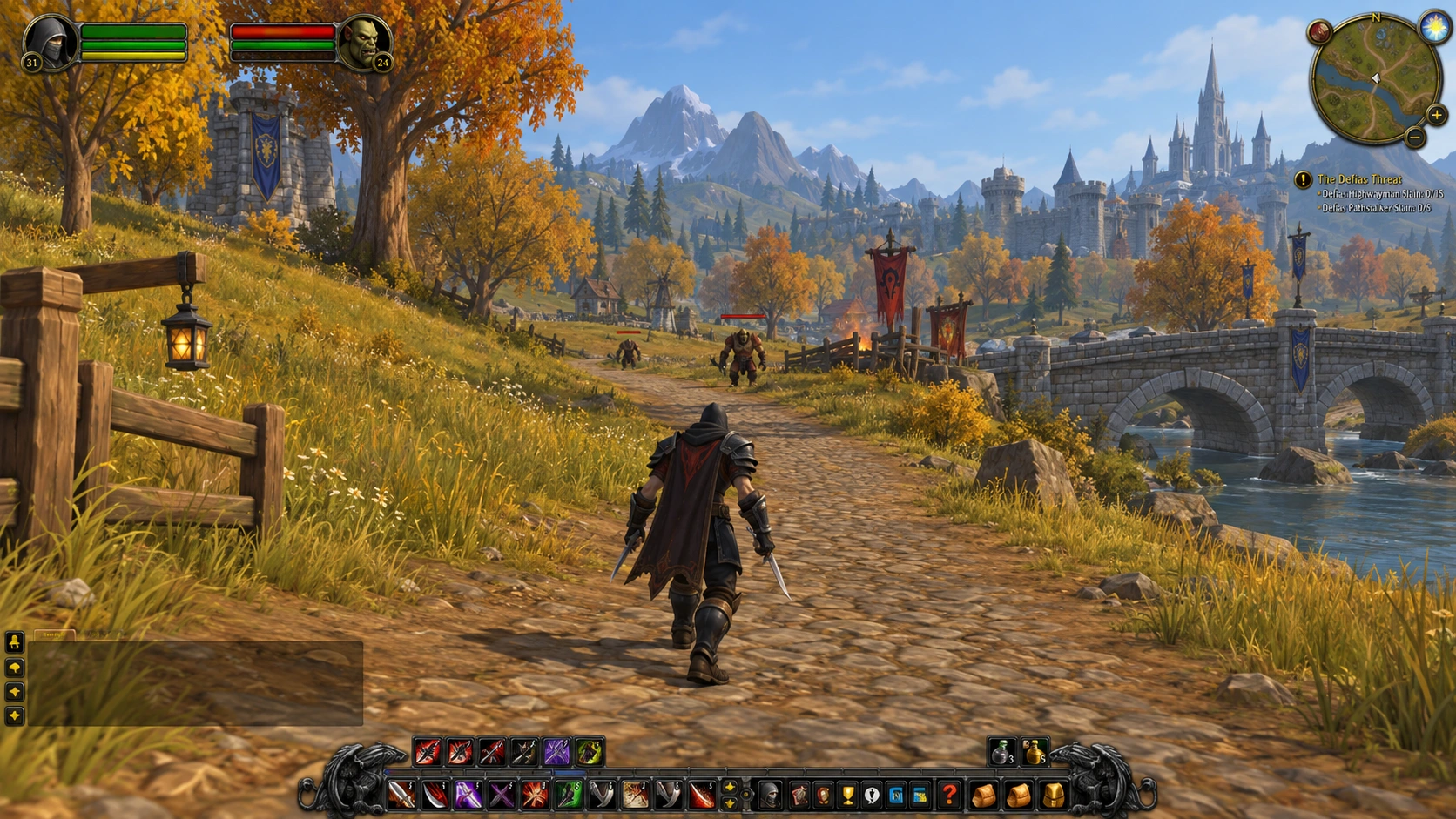

BEFORE YOUR NEXT PULL.
Know your setup. Make it yours. Head into the next encounter with a clearer picture.
Explore the setup guideWhich platforms are you building for?
Mac, Windows and Windows handhelds, including ROG Ally X. Public releases are still in preparation.
Do I need Windows to use it on Mac?
No. The Mac app runs natively on macOS.
Does a Windows handheld need different rotations?
The rotation foundation is shared. Controls and setup are handled by the Windows app.
Can I hide every overlay?
Yes. Show just the controls you want, or turn every overlay off.
Does this include SteamOS?
No. Windows handheld support does not include SteamOS or Linux.