
READ THE FIGHT.
KEEP YOUR FOCUS.
Read the game window. Set your priorities. Keep your attention on the next cast.
SCREEN READING, EXPLAINED.
Observation is only the beginning
Product status · September 21, 2026Lazy Raider reads visual information from the game window and evaluates your rotation in the desktop app. It does not use an unlocker or read or write game-process memory.
From the game window to the next action
Lazy Raider reads the game window and evaluates your chosen rotation. When enabled and the required checks pass, it can send the bound input for a usable action.
Your priorities stay editable. Change your Lua rotation files on your computer and save to apply them. Getting started covers permissions, bindings and the basic setup order.
Keep the game window connected
Screen capture must deliver usable frames. A capture permission problem, incorrect game selection or changed display setup can interrupt observations even when the game itself is running. Confirm that the app recognizes the character, class and realm before enabling a rotation.
The app has permission checks and diagnostics for this reason. If observations disappear, investigate the capture connection before changing spell priorities. A stale observation should not be treated as current evidence that an action is ready.
What screen reading cannot promise
Screen reading cannot provide information unavailable from the game. Some conditions on Forever and Midnight can remain unknown. Enemy counts and time to die may be estimates rather than exact measurements.
Screen reading is an implementation choice, not a guarantee against detection or account action. Blizzard’s EULA restricts unauthorized automation. Lazy Raider does not promise that pixel-based operation is approved or undetectable.
What belongs in the app and overlay
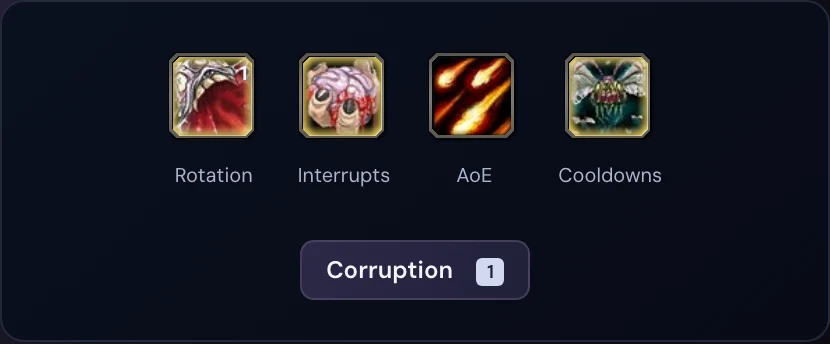
Use the compact overlay for Rotation, Interrupts, AoE and Cooldowns controls. Use the desktop app for character-specific settings, diagnostics and the cast log.
Lazy Raider’s current development target is WoW Forever on macOS. The website demo illustrates the interface; it does not read pixels from your game or send input. Public app distribution remains in preparation.
LESS IN THE WAY.
MORE IN YOUR CONTROL.
Keep Rotation, Interrupts, AoE and Cooldowns close to your action bars.
Get to know the setup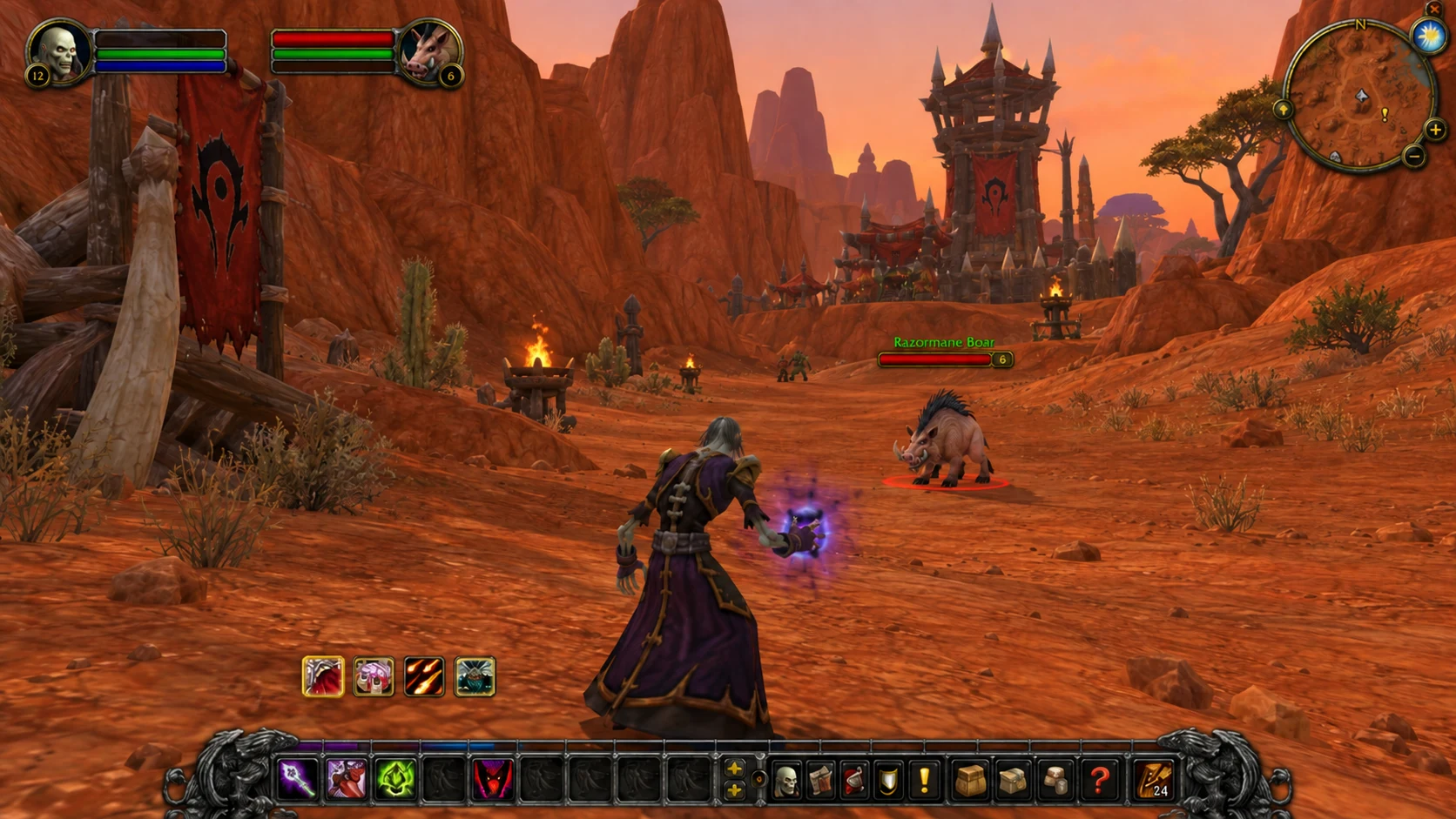
BEFORE YOUR NEXT PULL.
Know your setup. Make it yours. Head into the next encounter with a clearer picture.
Explore the setup guideHow do WoW pixel bots work?
They read visual information from the game window. Lazy Raider evaluates your editable rotation priorities in the desktop app.
Does Lazy Raider use an unlocker or access game memory?
No. Lazy Raider reads the game window. It does not use an unlocker or read or write game-process memory.
Does pixel-based mean undetectable?
No. Pixel-based describes the observation method; it does not establish Blizzard approval or immunity from detection or account action.
Why does Lazy Raider need screen recording permission?
The macOS app needs screen capture permission to read the game window.
What does the combat overlay show?
The compact overlay shows Rotation, Interrupts, AoE and Cooldowns controls with spell artwork. Position it beside your action bars to keep the game in view.