

Get your launcher
Sign in to your Lazy Raider account and download the launcher assigned to you. Keep its downloaded filename so your account launcher stays identifiable.
Download your account launcher, connect to WoW Forever and put your class rotation to work. Keep your settings and ability priorities within reach in the Control Center.
Available now for Windows x64 and the supported WoW Forever client.
Sign in to your Lazy Raider account and download the launcher assigned to you. Keep its downloaded filename so your account launcher stays identifiable.
Open the launcher, choose your available input driver and point it to your WoW Forever folder. Launch the session and follow any setup instructions shown.
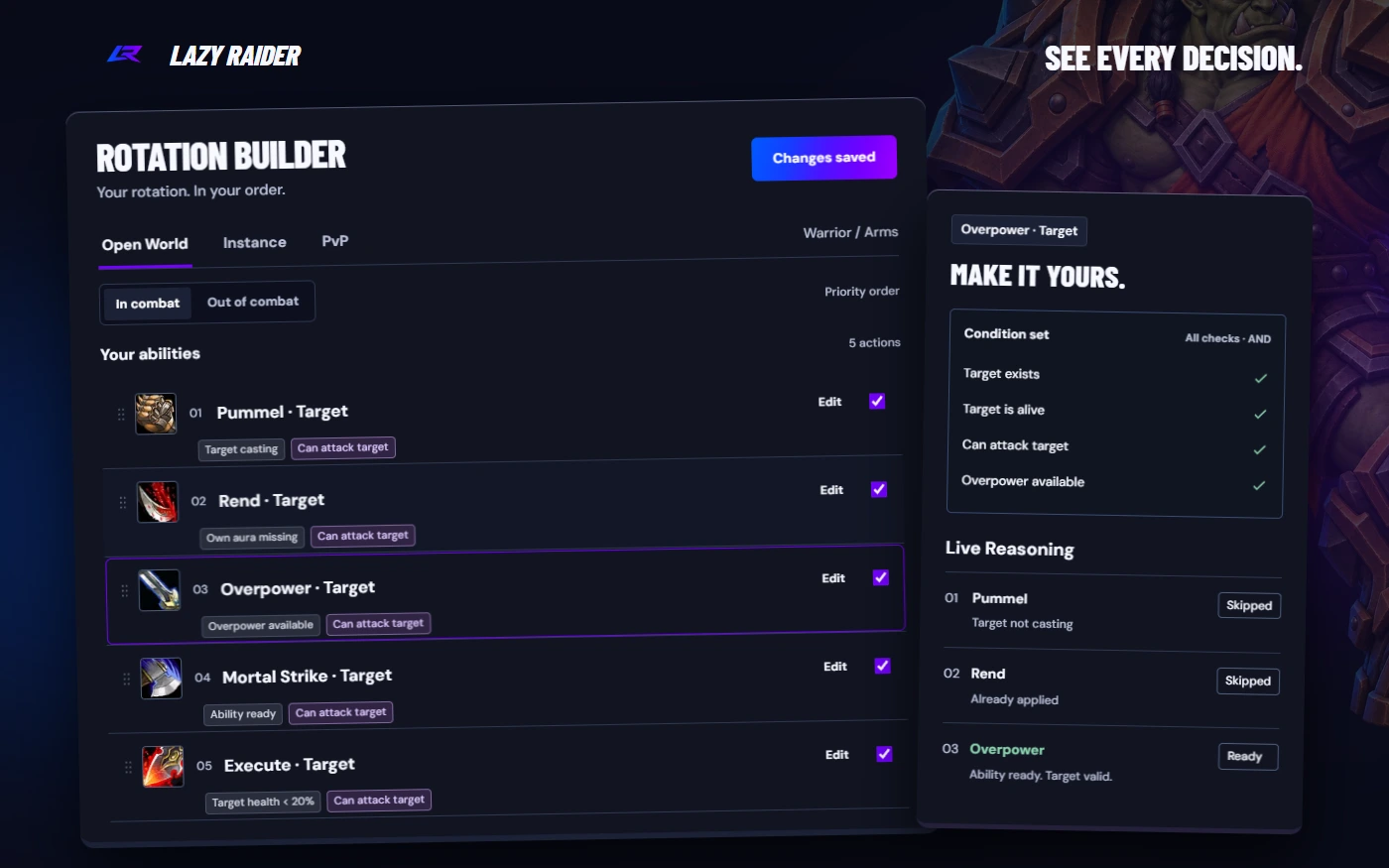
Open the Control Center to choose your class setup, adjust cooldown and AoE controls, and edit priorities. Live Reasoning helps you see why an action runs or waits.
Set your ability order, combine conditions with AND, OR and NOT, and choose eligible recipients. Reusable symbols and unit lists let you share rules across your setups.
Turn cooldowns, interrupts, AoE and defensives on or off as the situation changes. Live Reasoning keeps the decisions visible.
One class is $20/month. Two classes are $40/month. All nine classes are $60/month. Every covered class includes all its specs.
Try every class for three days with a $7 one-time trial. The trial does not automatically renew.
Try all nine classesDownload it from your signed-in Lazy Raider account. Access depends on your active membership or trial.
The launcher download is assigned to your account. Keep the downloaded name and use your own account download when updating.
Yes. The launcher provides a local Control Center for specialization selection, settings, ability controls, rotation editing and Live Reasoning.
The current customer release supports WoW Forever. Use the current launcher and a supported Forever client. Other WoW editions are not currently offered.
The Windows launcher requires Windows. The Mac version remains in development and does not have a playable customer release yet.